
A good trip planner app does three things better than a notes app or a spreadsheet: it turns a list of places into days that actually work, with real travel times between stops; it keeps every booking on the right day; and it lets the people you travel with see and change the same plan. Everything else, from packing lists to trip videos, is a bonus. This guide explains what to look for in an itinerary app, what’s usually free and what costs money, and how to test one in ten minutes before you rely on it.
What a trip planner app should do
Most travel planner apps look similar in the screenshots. The differences show up when you plan a real day. Check for these:
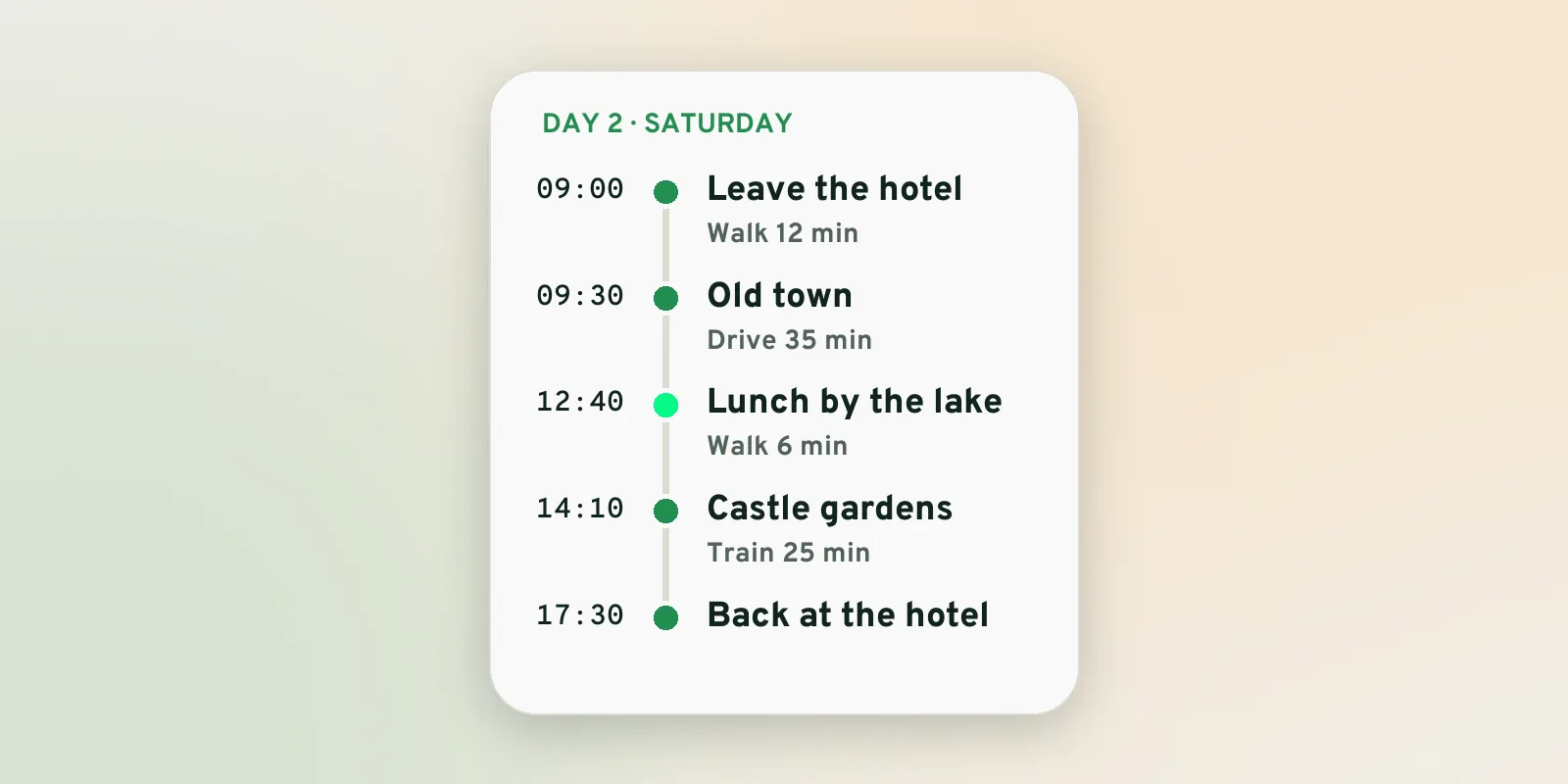
- A day-by-day itinerary with travel times. A trip planner is really a schedule for each day. Adding places to a day is easy; knowing whether the day fits is the hard part. The app should show how long each walk, drive, train or bus between stops takes, and when you’ll be back.
- A map of each day. Seeing the stops on a map shows at once when a day zigzags across town.
- Route order. Some apps sort a day’s places into the shortest order. It saves real time on busy city days.
- Bookings in the plan. Flights, hotels, trains and rental cars belong on the right day, with the confirmation number and address one tap away. Importing them from a forwarded confirmation email saves a lot of typing.
- Opening hours and weather. A museum that’s closed on Mondays or a hike in the rain is easier to fix at home than on the spot.
- Offline access. You’ll need the plan most where signal is worst. Check that the itinerary and maps open without data.
Planning with other people
If you travel with friends or family, sharing is the feature that matters most, and the one that varies most between apps.
- One shared plan, not copies. Everyone should see the same itinerary, live, and changes by one person should reach everyone. Sending the plan around as a PDF doesn’t count.
- Everyone can add ideas. The best group trip apps let friends add places and vote, so the plan reflects the whole group.
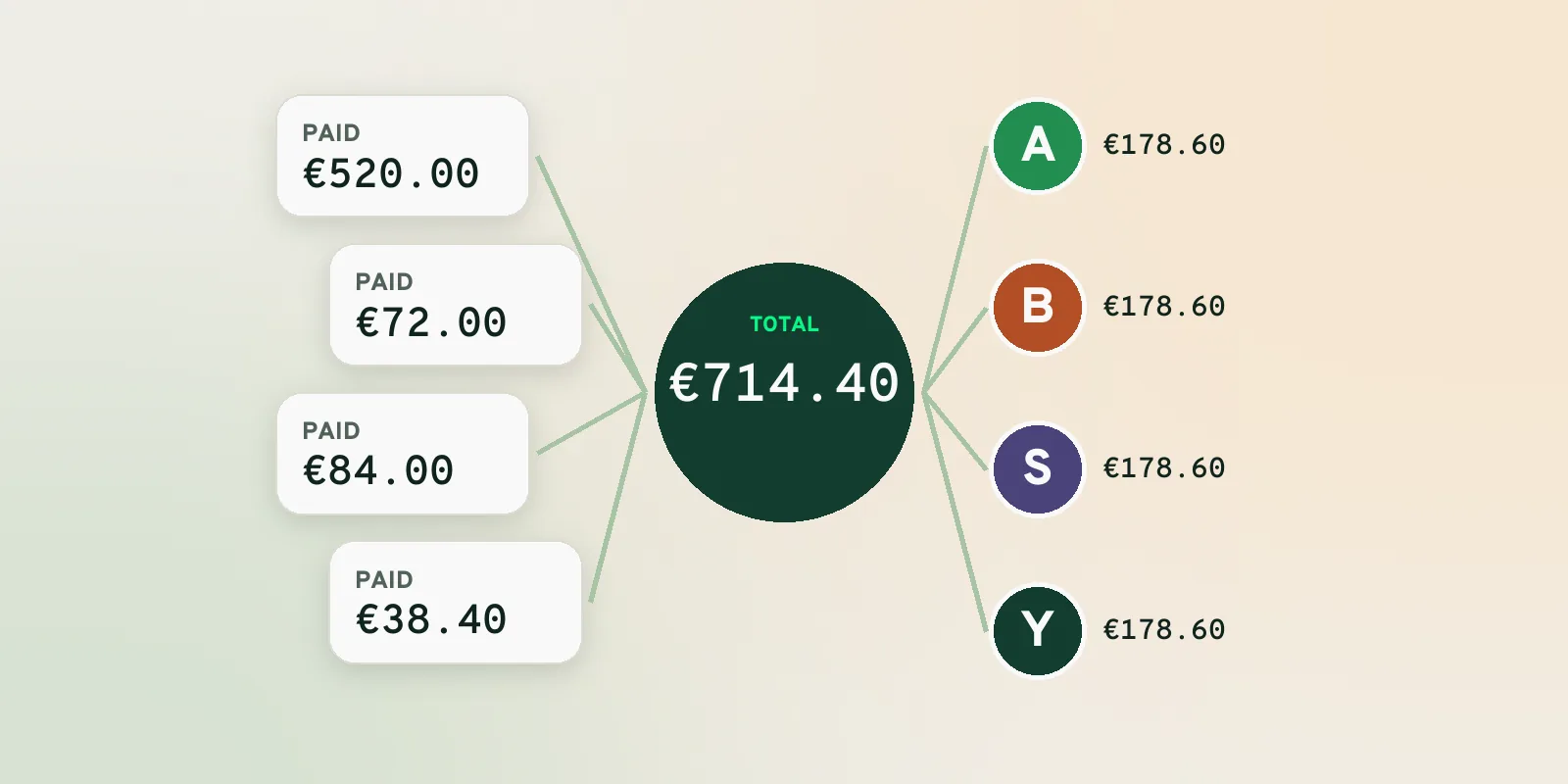
- Shared costs. Group trips always raise the money question. An itinerary app for groups that also tracks who paid what and works out who owes whom saves the awkward spreadsheet at the end. More on this in our guide to planning a trip with friends.
- Works for everyone. Not everyone in a group has the same phone. An app that also runs in a browser means nobody is left out.
- Easy to join. If friends have to create an account and pay before they can even see the plan, most won’t.
The same goes for a girls trip or bachelorette weekend: a planning app for a group trip should make the money and the bookings as clear as the schedule.
What’s free and what costs money
Many trip planner apps are free for the basics and charge for extras. The cost usually comes as a yearly or monthly subscription, sometimes as a one-off payment for a single trip. As a rule of thumb:
| Usually free | Often paid |
|---|---|
| Making a day-by-day itinerary | Automatic itineraries ("plan it for me") |
| Sharing the plan with friends | Offline maps in some apps |
| Adding bookings by hand | Bigger storage for photos and files |
| Basic maps | Exports (PDF, spreadsheet) |
| Splitting expenses | Videos and printed keepsakes |
Before paying, check what the free version allows: some free plans limit the number of trips, places per trip or people per trip. A good trip planner app free tier should be enough to plan a whole trip with your group, and paid extras should feel like extras, not a ransom.
Also check the business model. An app with no ads and no tracking makes its money from the people who choose to pay; an app with ads makes it from your attention and data.
How to test a trip planner app in ten minutes
Reviews and Reddit threads help, but your own trip is the best trip planner app review. Before you commit:
- Plan one real day. Add five places you actually want to visit. Does the app tell you how long it takes to get between them? Does the day fit?
- Move one stop. Drag a place to another time or day. Does the rest of the day update?
- Add a booking. Add a hotel or a flight. Does it land on the right day?
- Invite one friend. Send the link. Can they see and edit the plan without a long sign-up?
- Switch to flight mode. Open the plan offline. Is it still there?
If the app passes all five, it will hold up on the trip.
Do you need an app at all?
Not always. For a weekend in one city, a list of places and a map may be enough. Google Maps lets you save places to lists and share them with friends, and you can download an area for offline use. A spreadsheet works too: our travel itinerary template shows the columns that matter.
A trip planner app earns its place when the trip has more moving parts: several days, several people, bookings to keep track of and money to share. That’s when a plan that updates itself beats a plan you update by hand.
Where Travel Whoop fits
Travel Whoop is a free group trip planner: day-by-day plans with real travel times, bookings you forward by email, shared costs, offline maps and a plan everyone in the group sees live. It works in any browser and on iPhone, with no ads.
Frequently asked questions
What is the best trip planner app?
The best one is the one that fits how you travel. Solo travellers need a good day planner with maps and offline access; groups need one shared, live plan, voting on ideas and expense splitting. Test two or three with one real day of your trip.
Is there a free trip planner app?
Yes. Many travel planner apps are free for the basics, such as building an itinerary, sharing it and adding bookings, and charge only for extras like automatic itineraries or more storage.
What is the best itinerary app for a group?
One where everyone can see and edit the same plan live, add ideas and vote, and track shared costs, and which works on every phone or in a browser so nobody is left out.
How much does a trip planner app cost?
The basics are often free. Paid plans are usually a monthly or yearly subscription, and some apps also sell a one-off pass for a single trip. Check what the free version includes before paying.
Can I use a trip planner app offline?
Many can, but check before you travel: open the plan in flight mode. Offline maps sometimes need to be downloaded in advance, and some apps only offer them on paid plans.
 Travel itinerary template for groups and families
 How to plan a trip with friends (without the chaos)
 How to split costs on a group trip, fairly
 Travel guideUnlock Over €100 FREE Adventures with Kufsteinerland Card in Kufsteinerland – Here’s How!
 Travel guideThe Ultimate List of 8 Things to Do in Kufstein, Austria you can’t miss
 Travel guideEkta Travelling Online Travel Insurance: A Step-by-Step Guide and Review