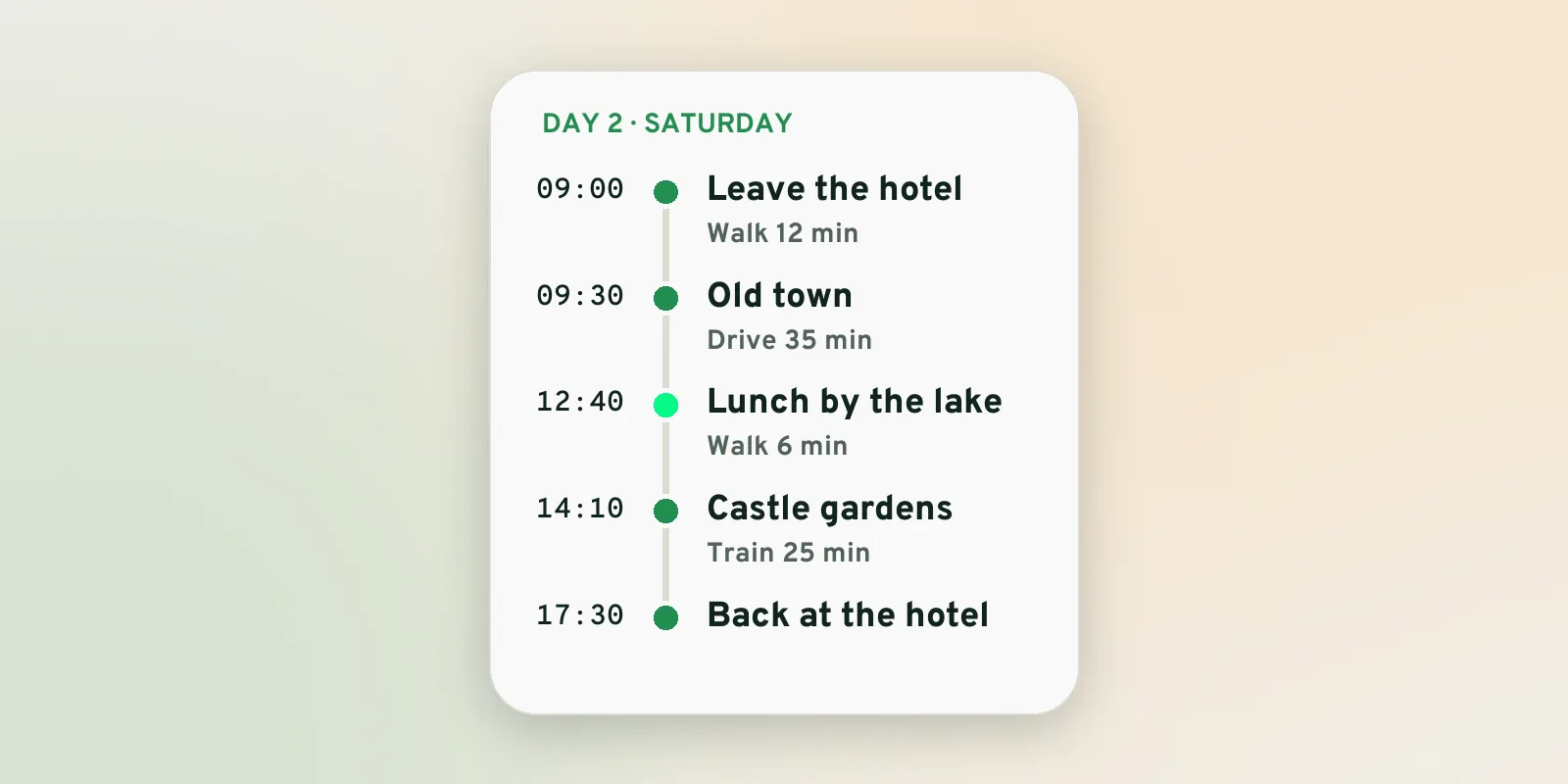
A good travel itinerary template has one row per stop and six columns: day, time, place, what you’ll do, how you get to the next stop, and what’s booked. That’s enough to plan a weekend or a two-week trip, and it works the same in Google Sheets, Excel or a notes app. Below is the template, ready to copy, plus itinerary examples for a family vacation, a girls trip or bachelorette weekend, and a road trip, and the few rules that make a plan work for a whole group.
The template
Copy this table into a spreadsheet (one tab per trip) or a shared document. Each row is one stop.
| Day | Time | Place | Plan | Getting there | Booked? |
|---|---|---|---|---|---|
| Fri 12 June | 09:00 | Hotel | Leave after breakfast | ||
| Fri 12 June | 09:30 | Old town | Walking tour, 2 h | Walk 25 min | Tour 09:30, ref. 4471 |
| Fri 12 June | 12:30 | Market hall | Lunch | Walk 10 min | |
| Fri 12 June | 14:30 | Castle gardens | 2 h, tickets at the gate | Bus 20 min | |
| Fri 12 June | 18:00 | Hotel | Rest before dinner | Bus 20 min | |
| Fri 12 June | 20:00 | Restaurant | Dinner for 6 | Walk 8 min | Table 20:00 |
Why these columns:
- Time is when you arrive, so the day adds up. If the times don’t fit, the day is too full.
- Getting there is the travel time from the previous stop. Most itineraries forget it, which is why most days run late.
- Booked? holds the confirmation number or time, so nobody digs through email at the entrance.
Add a second tab, "Bookings", with one row per booking: what it is, dates, confirmation number, address, who booked it and who has paid. And a third, "Ideas", for places someone suggested that aren’t in the plan yet.
Setting it up in Google Sheets or Excel
The same itinerary planner template works in both. A few touches make it much easier to use:
- Freeze the top row so the headings stay visible as you scroll.
- Use one tab per trip, and copy the whole file for the next trip. A finished trip is the best template for the next one.
- Colour the "Booked?" cells green when something is confirmed. At a glance you see what’s still open.
- Link each place to the map. Paste the map link in the Place column, or keep the places in a shared Google Maps list: lists can be shared so friends can add and edit places.
- Share with edit rights, not as an attachment. An itinerary sent as a file is out of date by the next morning.
If you prefer a printable version, print the plan tab in landscape with one day per page. Everyone gets the same paper copy for the trip, and nobody needs signal to read it.
Itinerary examples
The structure stays the same; what changes is the pace and the columns you add.
Family vacation
A family vacation planner template (in Excel or Sheets, it’s the same table) needs fewer stops and more breaks. Plan one main activity in the morning and one in the afternoon, with lunch and a rest in between. Add a column for meals if you’re self-catering (a simple family vacation meal plan avoids the 6 pm supermarket run), and a column for who’s in charge if the group is big. For multi-family trips, a "Kids" column with nap times and early bedtimes makes the evening plan realistic.
Girls trip and bachelorette weekend
A girls trip planning template, or a bachelorette trip planning spreadsheet, is mostly about money and bookings. The free template above works as a bachelorette template in Google Sheets with three extra columns:
- A Cost column with the price per person for each activity, so everyone sees the total before they commit.
- A Paid by column, and a separate tab that adds up who paid what. Bachelorette weekends often have one or two people paying upfront for everything.
- A Dress code or what to bring column for the evening plans.
Keep the bride’s surprises on a separate, private tab.
Group trip with friends
A group trip planner template, in Excel or Google Sheets, adds votes to the Ideas tab: one column per person, and a 1 next to the places they want to see. Sort by the total, and the top ideas go into the plan. Add the owner of each booking to the Bookings tab, so it’s clear who’s doing what. For the rest of the process, see how to plan a trip with friends.
Road trip
For a road trip, the Getting there column becomes the most important one. Add distance and driving time for each leg, plan a break every two hours or so, and put the overnight stops in bold. Keep each driving day short enough that you arrive in daylight.
How to make the itinerary work on the trip
A spreadsheet is a good plan; a trip is a moving target. These habits keep the itinerary useful once you’re there:
- Leave gaps. One free afternoon every two or three days absorbs the delays.
- Mark what’s fixed. A booked time slot can’t move; a museum without a booking can.
- Update it in one place. When plans change, change the shared itinerary, not a screenshot in the group chat.
- Keep a copy offline. Download the file or print it, in case there’s no signal.
When a spreadsheet stops being enough
A shared itinerary template works well until the trip starts changing faster than anyone updates it: someone’s running late, a booking moves, a friend adds three restaurants. At that point a trip planner app does what the spreadsheet can’t: it works out the travel times between stops, keeps the bookings on the right day, shows everyone the same plan live and keeps track of shared costs.
Travel Whoop is a free group trip planner that does this, in the browser and on iPhone. If you’d rather stay with a spreadsheet, the template above will serve you well.
Frequently asked questions
What should a travel itinerary include?
For each stop: the day, the arrival time, the place, what you’ll do there, how long it takes to get there from the previous stop, and any booking details. Add a separate list of bookings with confirmation numbers and who paid.
Is there a free travel itinerary template?
Yes, the template on this page is free: copy the table into Google Sheets, Excel or a shared document and add one row per stop.
How do I make an itinerary in Excel or Google Sheets?
Create columns for day, time, place, plan, travel time and booking, freeze the header row, and add one row per stop. Use one tab for the plan, one for bookings and one for ideas, and share the file with edit rights.
How do you plan an itinerary for a group?
Collect everyone’s ideas in one list, let everyone vote, put the most popular places into the day plan first, and give each booking an owner. Keep the itinerary in one shared place that everyone can edit.
What’s the difference between an itinerary template and a trip planner app?
A template is a fixed layout you fill in by hand. A trip planner app fills in parts for you, such as travel times, maps and bookings, and keeps everyone’s copy up to date automatically.
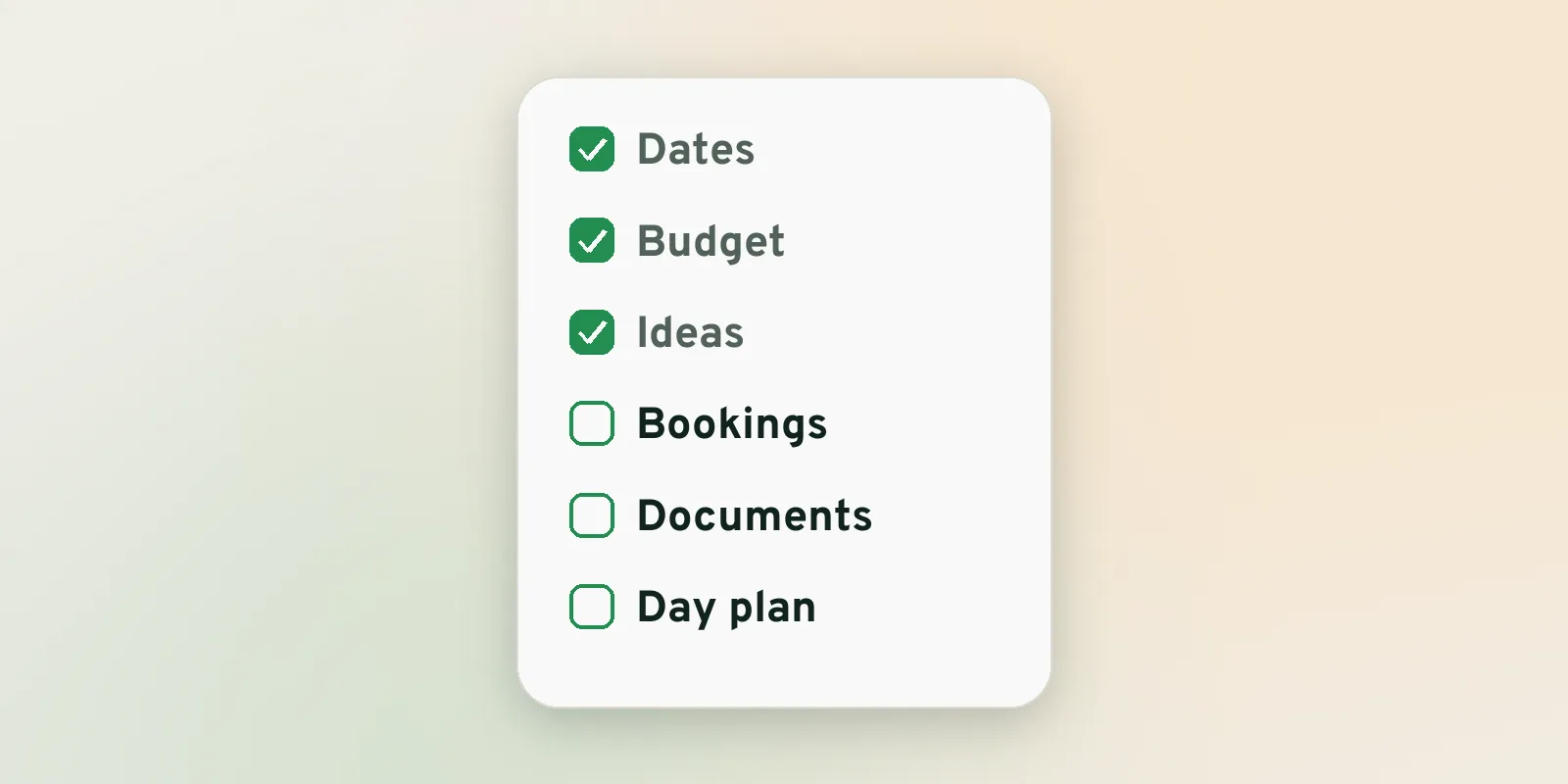 How to plan a trip with friends (without the chaos)
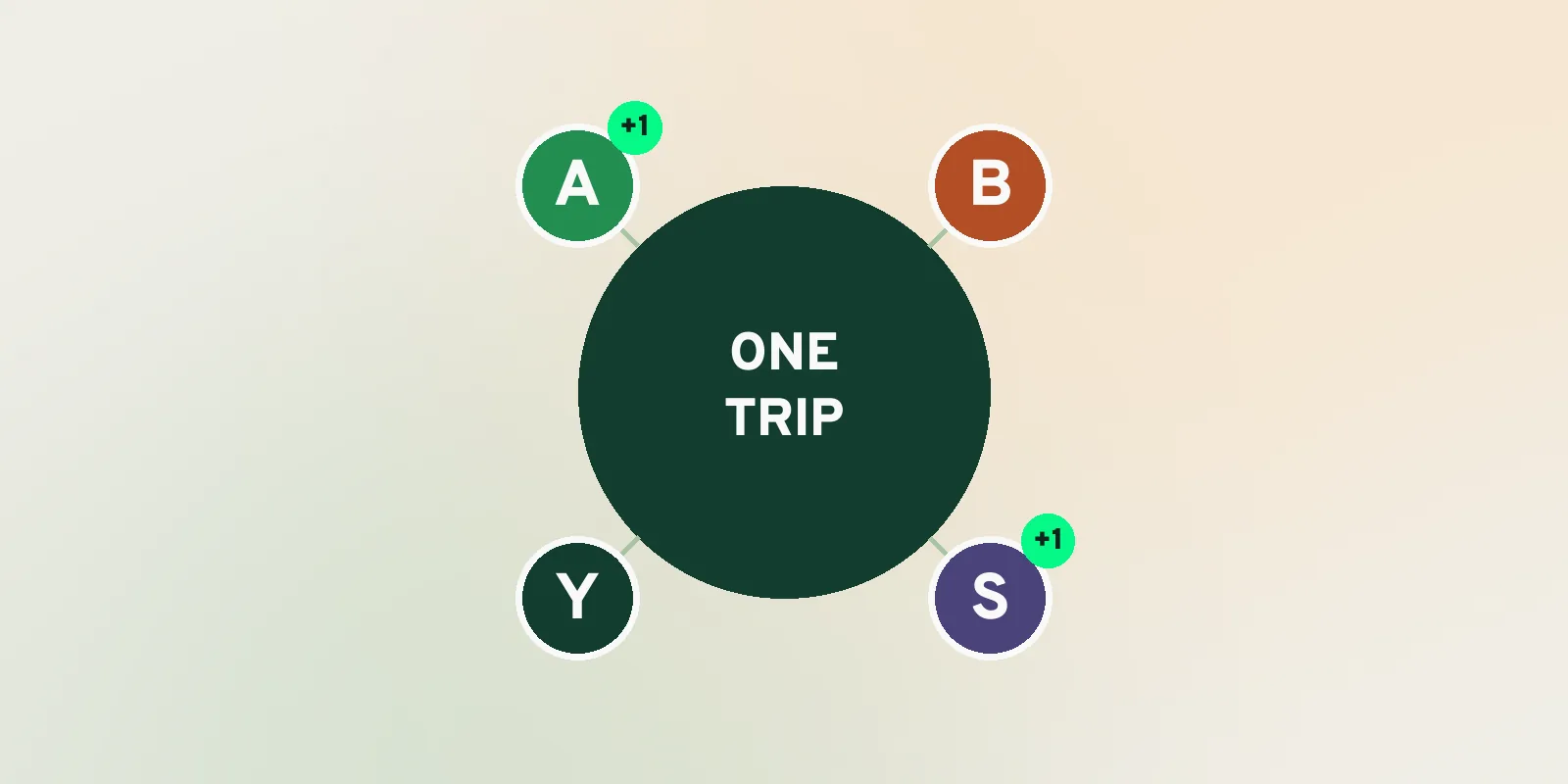 How to choose a trip planner app (what really matters)
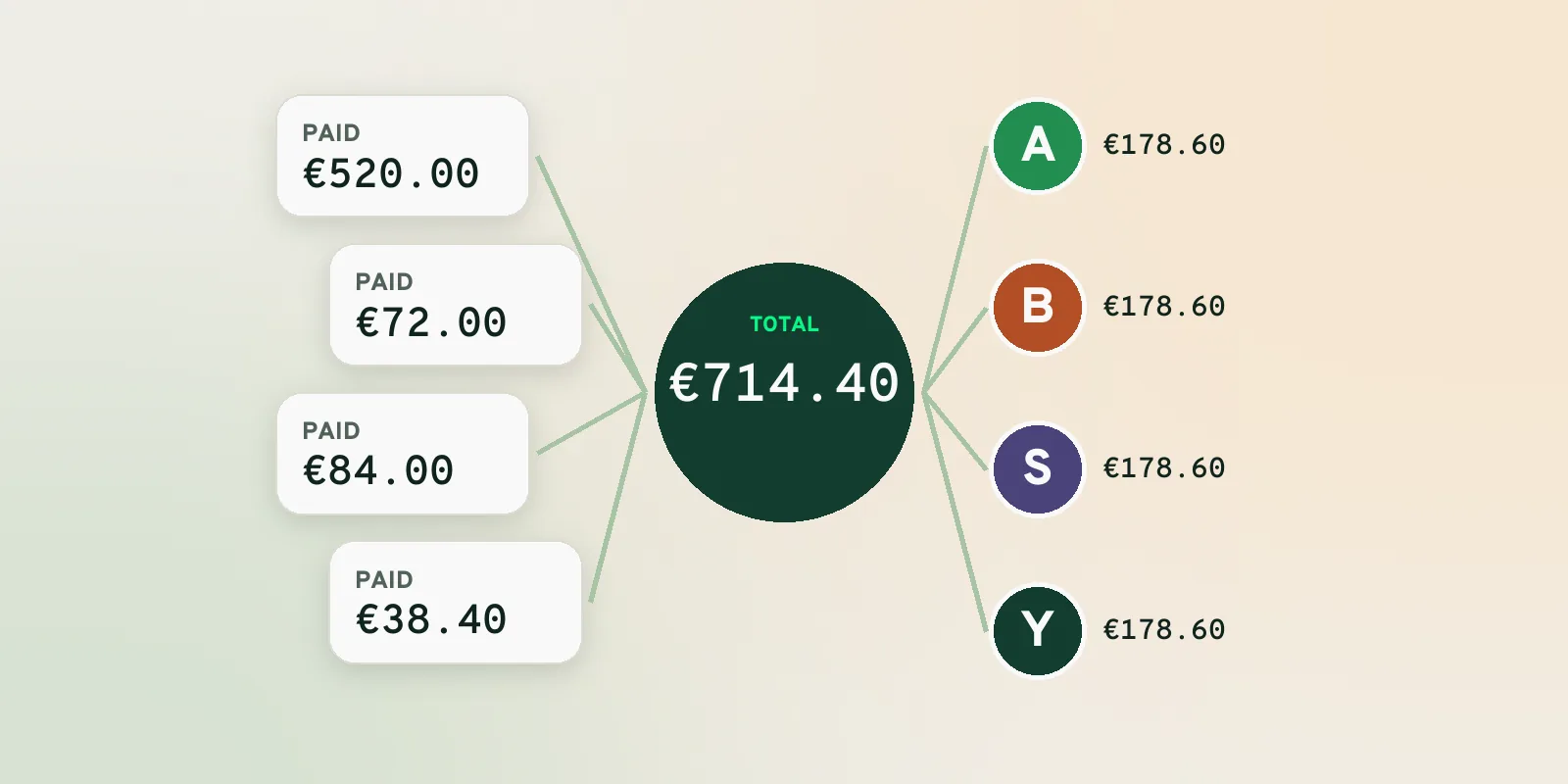 How to split costs on a group trip, fairly
 Travel guideUnlock Over €100 FREE Adventures with Kufsteinerland Card in Kufsteinerland – Here’s How!
 Travel guideThe Ultimate List of 8 Things to Do in Kufstein, Austria you can’t miss
 Travel guideEkta Travelling Online Travel Insurance: A Step-by-Step Guide and Review