How to plan a road trip, in short: decide where you start and end, pick the few stops that matter most, split the route into driving days you’ll actually enjoy, then book the overnight stops and leave room for detours. The map is the easy part. What makes or breaks a road trip is the length of the driving days, and that’s where most first plans go wrong.
This guide covers how to start planning a road trip, how to build a route with multiple stops (in Google Maps and other route planners), what it costs, what to bring, and how to plan a road trip with friends without arguing over the playlist or the bill.
Step 1: Start with the shape of the trip
Before opening a map, answer three questions:
- How many days do you have, including the drive home?
- Is it a loop or one-way? A one-way trip often means a drop-off fee for a rental car; a loop doesn’t.
- What’s the point of the trip? National parks, coastline, cities, food? The answer decides which stops make the cut.
Then write down your must-see places. Keep it short: three to six stops for a week is plenty. Everything else is a "nice if we pass it" list.
Step 2: Plan the route with multiple stops
Put the start, the must-see stops and the end on a map and look at the order. A route planner for multiple stops helps here: it shows the whole route, the driving time between stops and the total.
In Google Maps on a computer you can add stops with "Add destination" and drag them into a different order. According to Google’s help page, you can add up to 9 stops, including the final destination, and directions to multiple destinations aren’t available for public transport or flights. For a longer trip, plan one day per route rather than the whole trip at once. Apple Maps on iPhone also lets you add stops to a route.
Other route planners for multiple destinations exist, many of them free; some are built for delivery drivers rather than holidays. For a road trip, what matters is that you can see each day’s route and driving time, not just the fastest order.
Step 3: Split it into driving days
This is the step that matters most. A route that’s "only 9 hours" on the map is a miserable day with stops, traffic and a group that wants lunch. Some rules of thumb:
- Keep most days to 3–5 hours of driving. That leaves time to actually see things.
- Alternate long and short days. After a long drive, stay two nights somewhere.
- Arrive in daylight. Unfamiliar roads, a new place and check-in are easier before dark.
- Add a break about every two hours. Swap drivers if you can.
- Add 20–30% to the map’s driving time for stops, fuel and traffic.
| Day | Route | Driving | Overnight |
|---|---|---|---|
| 1 | Home → first stop | 4 h | Hotel A |
| 2 | Explore, short hop | 1 h | Hotel A |
| 3 | First stop → coast | 3 h 30 | Campsite B |
| 4 | Coast road, viewpoints | 2 h | Campsite B |
| 5 | Coast → home | 5 h | Home |
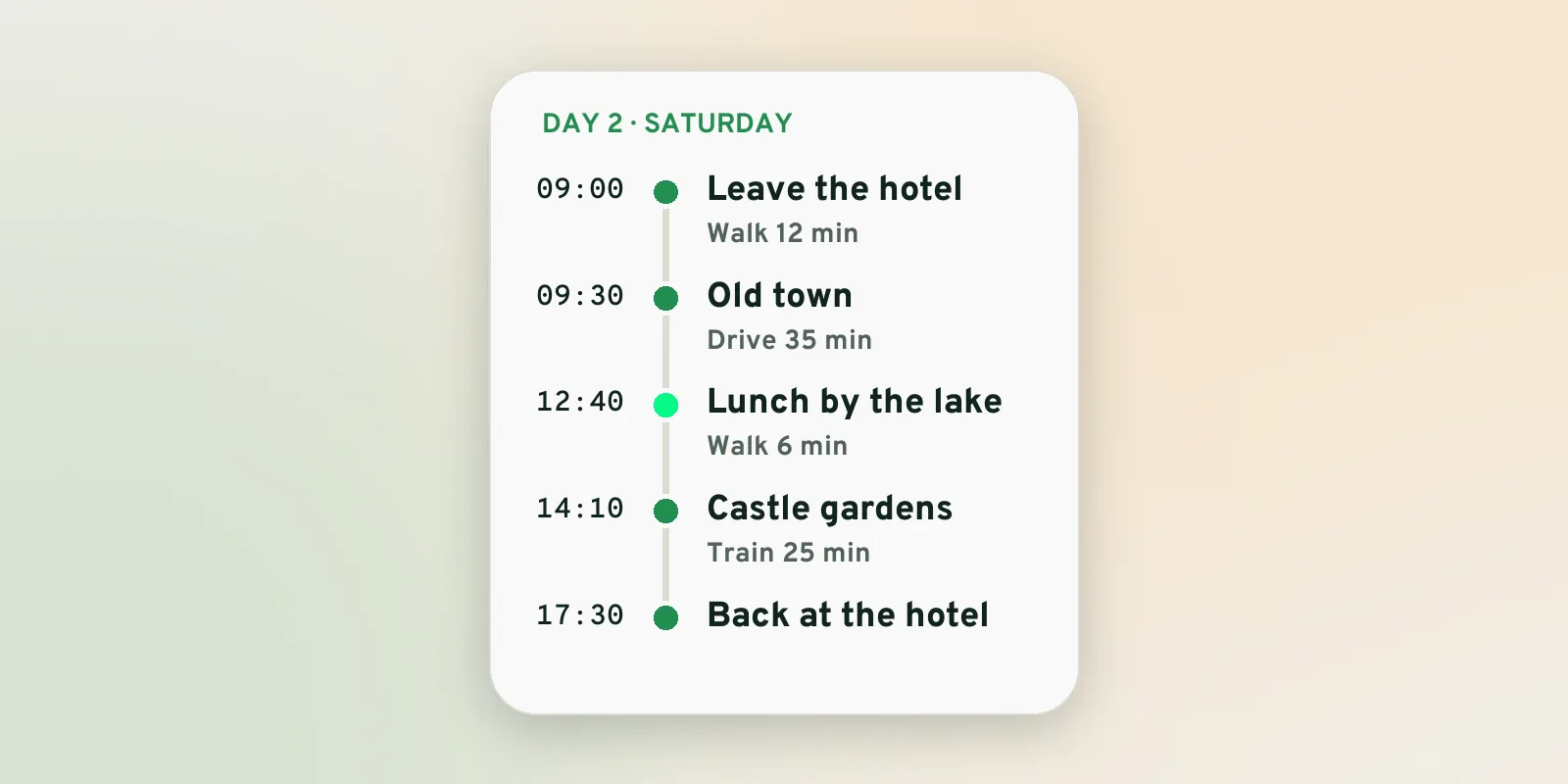
Our travel itinerary template has the same layout with a column for travel times, if you’d rather plan in a spreadsheet.
Step 4: Book the overnight stops
Once the driving days are fixed, book where you sleep, starting with the places that fill up first (popular national parks, coastal towns in summer, weekends). Keep the booking confirmations together with the plan, with the address and check-in time for each night. Arriving late at a hotel that releases rooms at 6 pm is a classic road trip story you don’t want to tell.
What a road trip costs
There’s no single road trip planner cost: it depends on distance, the car and where you sleep. List these before you go:
- Fuel or charging, from the total distance and your car’s consumption.
- Tolls, vignettes and ferries. Some countries charge per motorway section, others need a vignette before you drive on the motorway at all. Check each country on the route.
- Parking, especially in cities and at popular sights.
- Rental car, including the one-way fee and an extra driver.
- Accommodation and food, usually the biggest part.
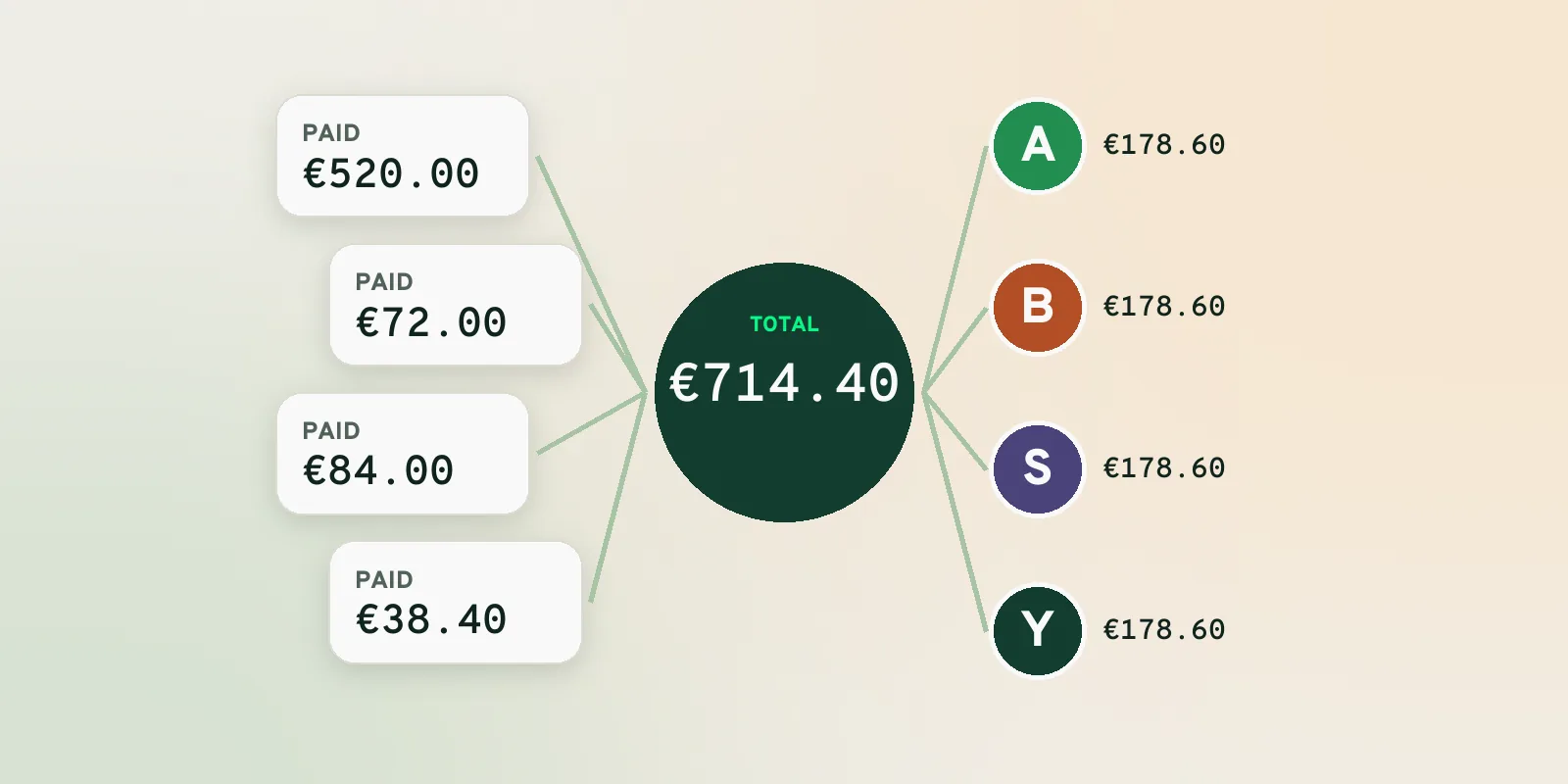
On a road trip with friends, decide up front how you’ll split the fuel, tolls and car: evenly, or with the driver paying less. Our guide to splitting costs on a group trip explains how to settle up with a few transfers.
How to plan a road trip with friends
Road trips with friends are the best kind, if a few things are agreed before you set off:
- Who drives, and when. Name every driver on the rental agreement.
- Who navigates and who’s in charge of music. It sounds silly; it prevents half the arguments.
- The plan is shared. Everyone should see the route, the stops and tonight’s address, not just the driver’s phone.
- Room for everyone’s ideas. Each person picks one detour or stop. It’s their day to choose.
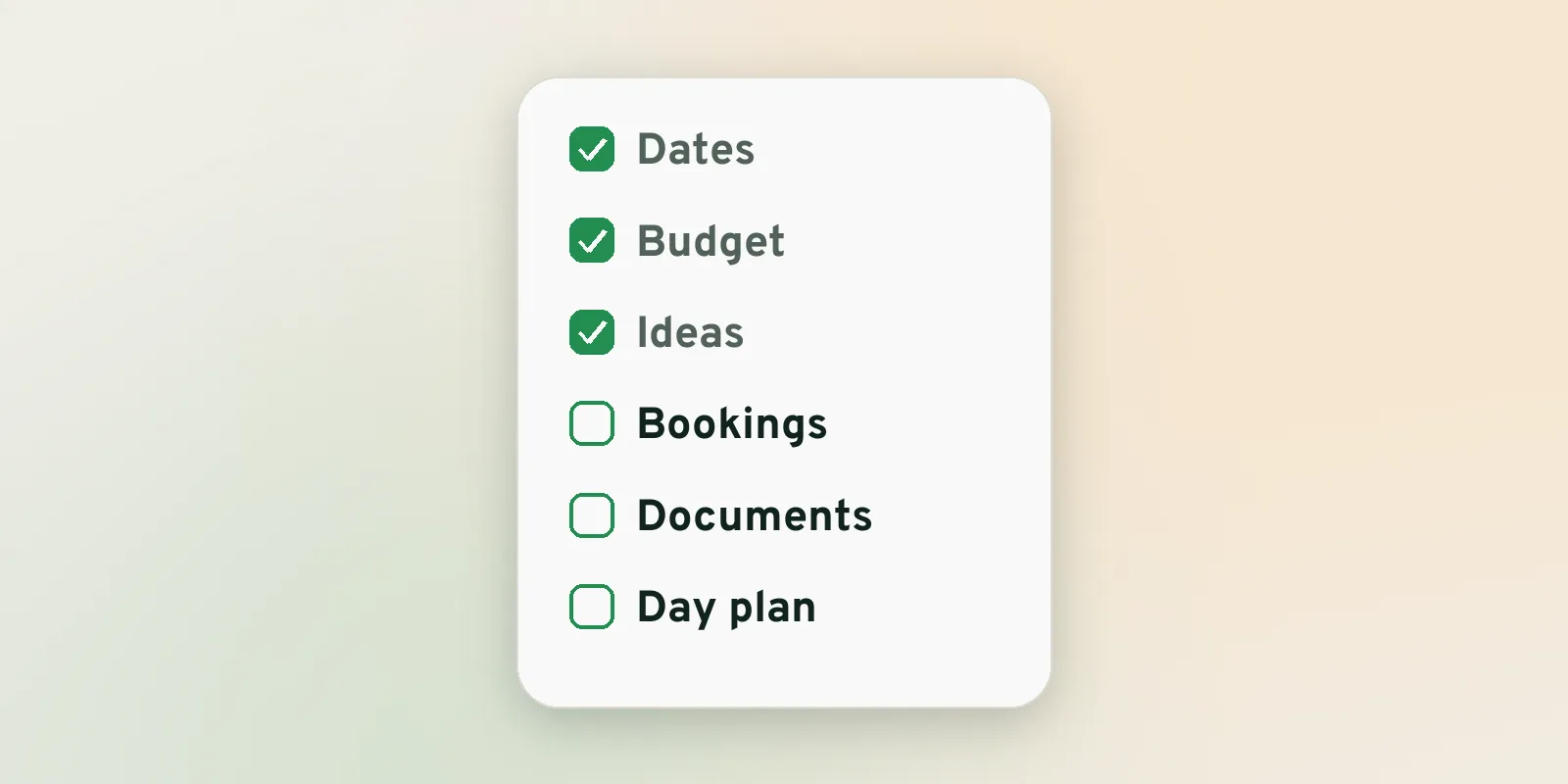
What to do on a road trip with friends between stops? Take turns with the playlist, plan picnic lunches instead of restaurant stops, and leave one evening with nothing planned. For the rest, see how to plan a trip with friends.
What to bring on a road trip
Beyond your usual packing list, a road trip needs a few car things:
- Driving licence for every driver, car documents and rental papers
- Phone mount and charging cables for the car
- Offline maps for areas with poor signal
- Water and snacks, a cool bag
- A small first-aid kit and any medicine you need
- Sunglasses, a warm layer and a rain jacket
- Bags for rubbish
What to bring on a road trip with friends? Add a shared speaker, a card game for the evenings and one person in charge of the snack bag.
Frequently asked questions
How do I start planning a road trip?
Decide how many days you have and whether it’s a loop or one-way, list the three to six stops that matter most, then put them on a map and split the route into driving days of three to five hours.
Can I use Google Maps to plan a road trip?
Yes. On a computer, Google Maps lets you add up to 9 stops to one route, including the destination, and reorder them. For longer trips, plan each day as its own route.
How many hours a day should you drive on a road trip?
Three to five hours of driving a day leaves time to enjoy the stops. Longer days are fine now and then, but alternate them with short ones.
How much does a road trip cost?
It depends on the distance, the car and where you stay. Add up fuel or charging, tolls and vignettes, parking, the rental car and accommodation and food, which is usually the largest part.
Is there a route planner for multiple stops that’s free?
Yes, Google Maps and several other route planners let you plan a route with multiple stops for free. Public transport routes with several stops usually aren’t supported, so plan those leg by leg.
 Travel itinerary template for groups and families
 How to split costs on a group trip, fairly
 How to plan a trip with friends (without the chaos)
 Travel guideUnlock Over €100 FREE Adventures with Kufsteinerland Card in Kufsteinerland – Here’s How!
 Travel guideThe Ultimate List of 8 Things to Do in Kufstein, Austria you can’t miss
 Travel guideEkta Travelling Online Travel Insurance: A Step-by-Step Guide and Review